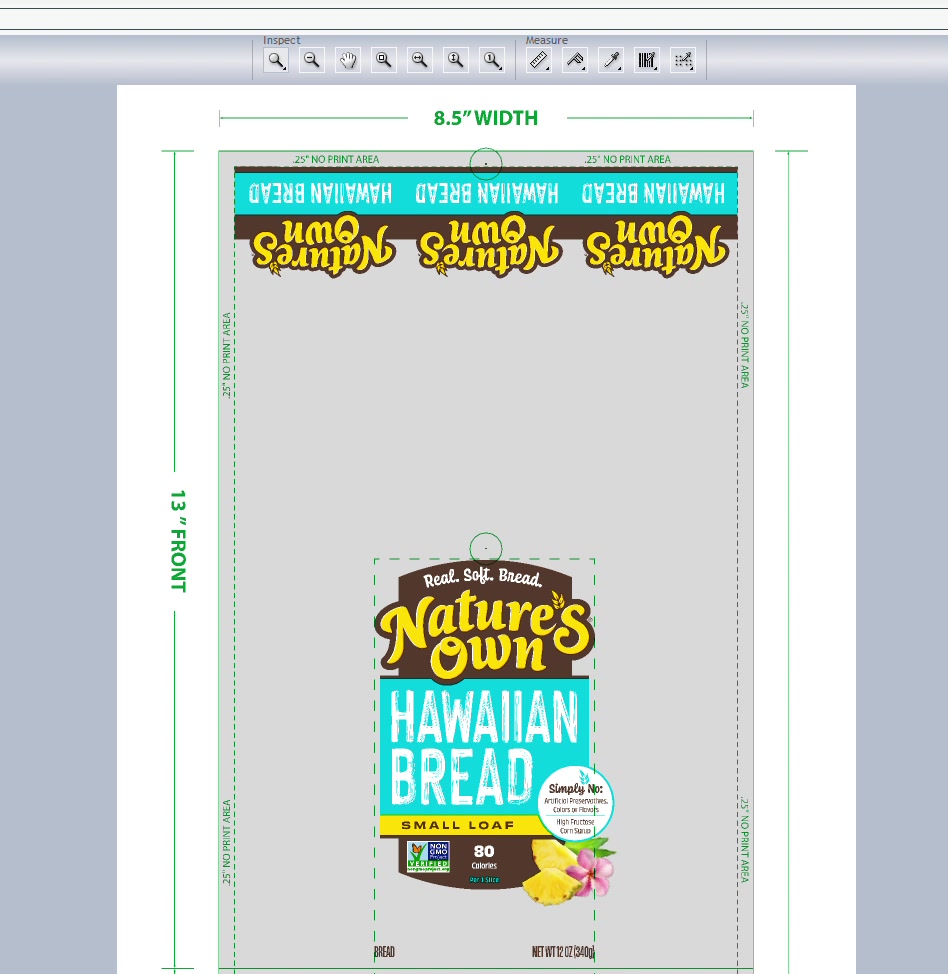
Department: Customer Service / Pre-Press
Company: West Essex Graphics
Duration: ~21 minutes per review
Last Updated: January 2026
This SOP covers the complete QC process for reviewing customer packaging PDFs before sending to print. The review ensures all specifications match printer requirements and customer-supplied data.
Before starting, gather:
☐ Printer Spec Card (traps, bar width reduction, printer marks)
☐ Customer Packaging Spec Sheet
☐ Nutrition Facts source file (.xls)
☐ Ingredient Copy source file (.xls)
☐ Customer's original artwork PDF
| Check | Specification | Status |
|---|---|---|
| Color Correction | Remove cyan from bread/food images | |
| Artwork Comparison | Match customer-supplied file (minus approved changes) | |
| UPC Number | Match spec sheet exactly | |
| Bar Width Reduction | Per printer spec (e.g., .004 / 0.1mm) | |
| UPC Magnification | Per printer spec (e.g., 100%) | |
| Nutrition Facts | All values match source spreadsheet | |
| Ingredient Copy | Spelling, punctuation, order correct | |
| Allergen Statements | Spelling correct, all required statements present | |
| Traps | Match printer spec (e.g., 0.015") | |
| White Cutbacks | Match printer spec (e.g., 0.015") | |
| Die Line Dimensions | Match spec sheet | |
| Eye Spot | Size and placement per printer spec | |
| Micro Dots | Minimum 3, correct size, all colors present | |
| WEG Box | Customer, job name, printer, dimensions, colors |
Step 1.1: Open the printer spec card
Review and note:
- Trap specifications
- Bar width reduction value
- Required printer marks
Step 1.2: Open the customer packaging spec sheet
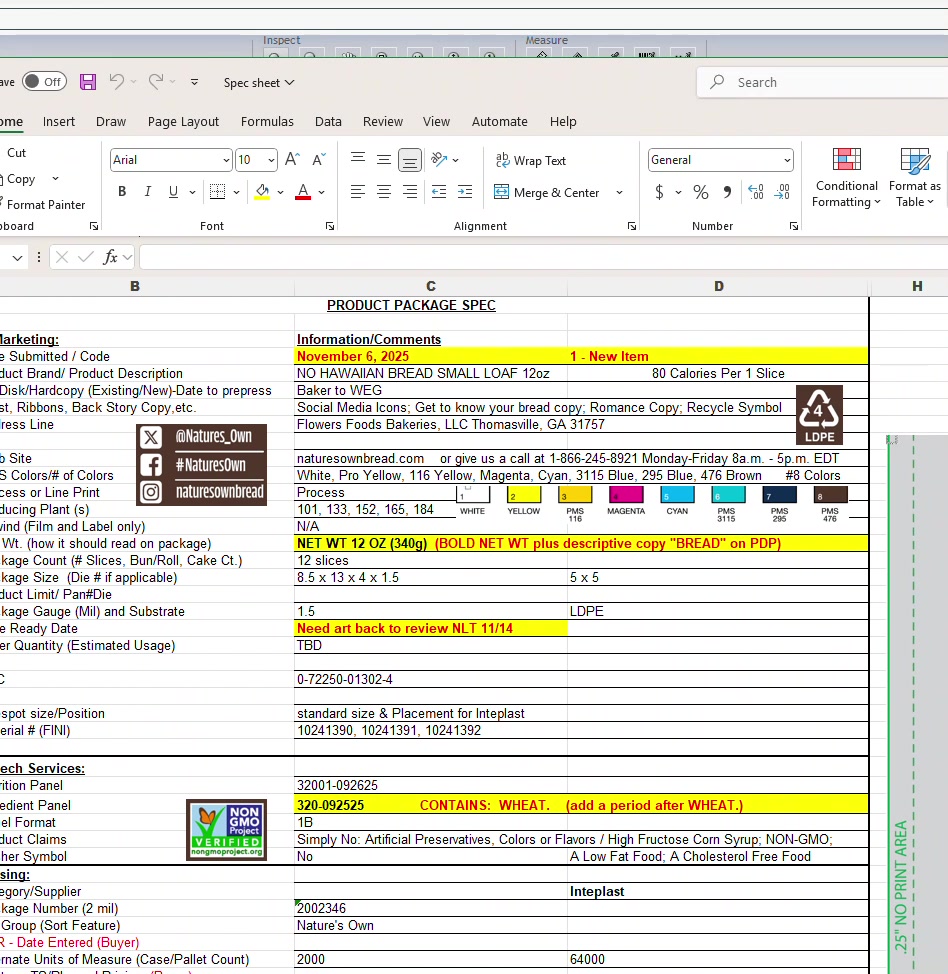
This contains all customer-requested changes and specifications.
Step 2.1: Turn on process color separations in your viewer
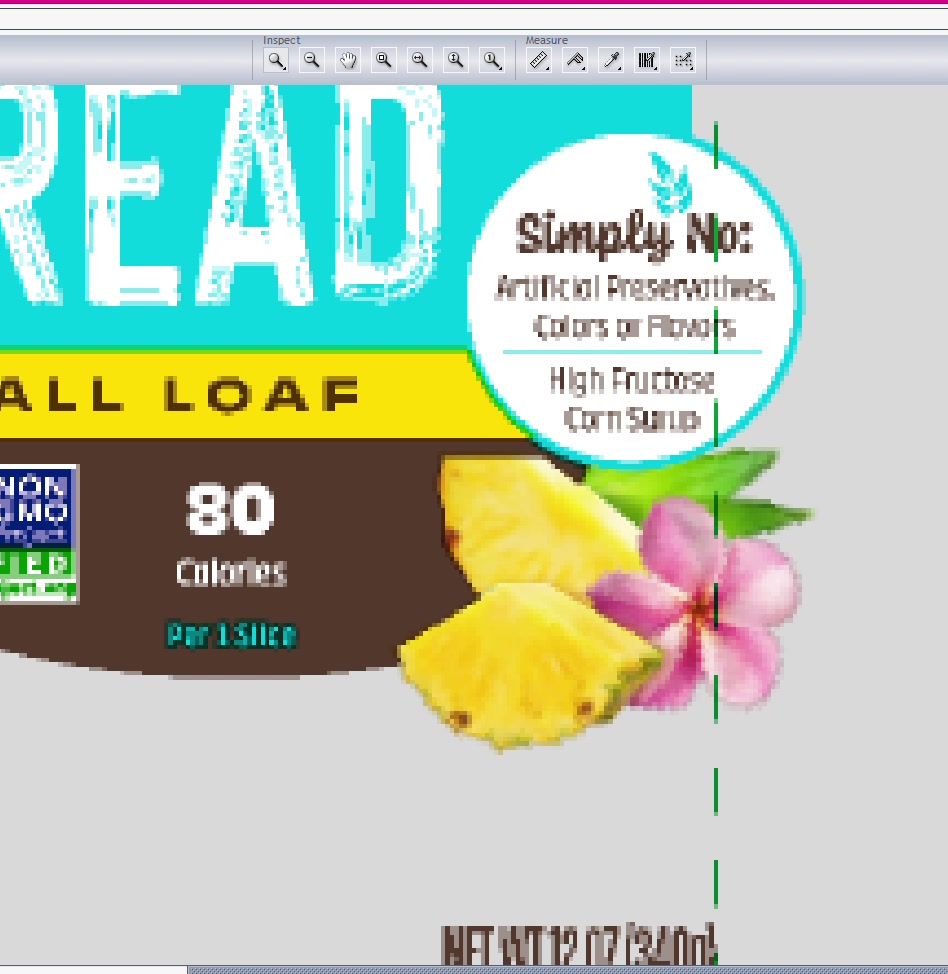
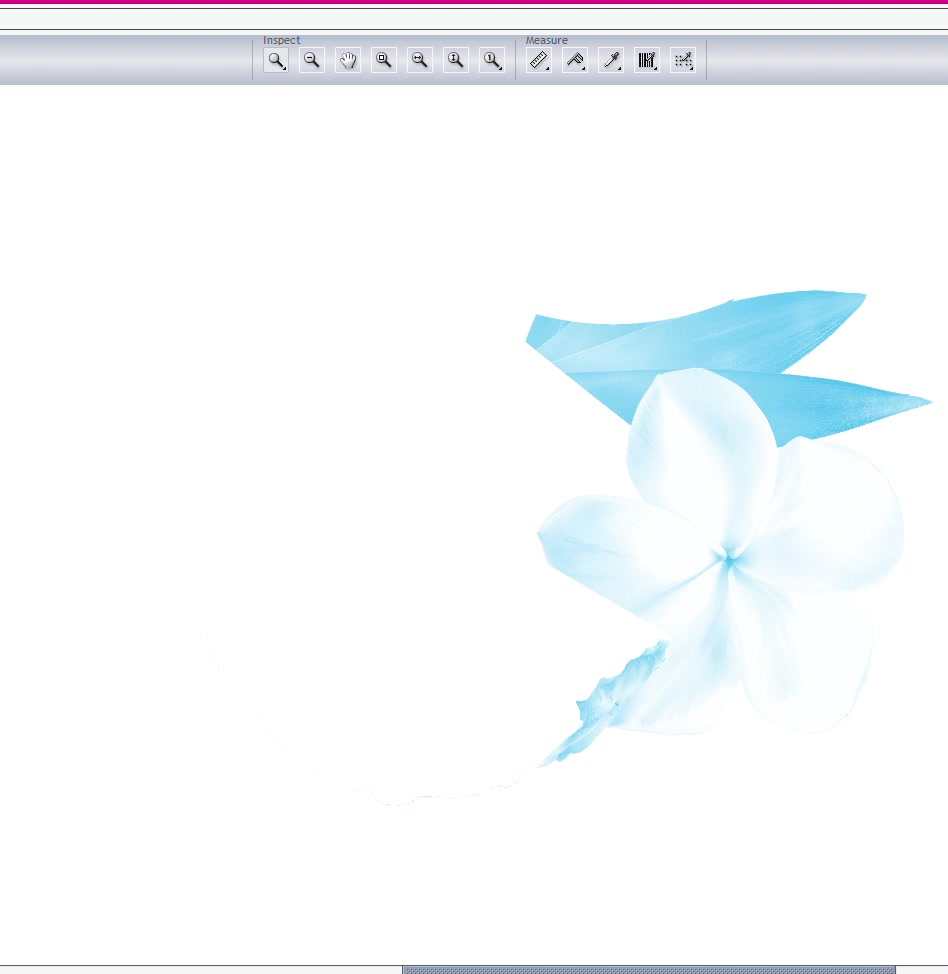
Step 2.2: Verify cyan removal from food images
Toggle through CMYK channels:
- Cyan should be minimal/removed from bread, baked goods
- Check pineapple, bread, and other food photography
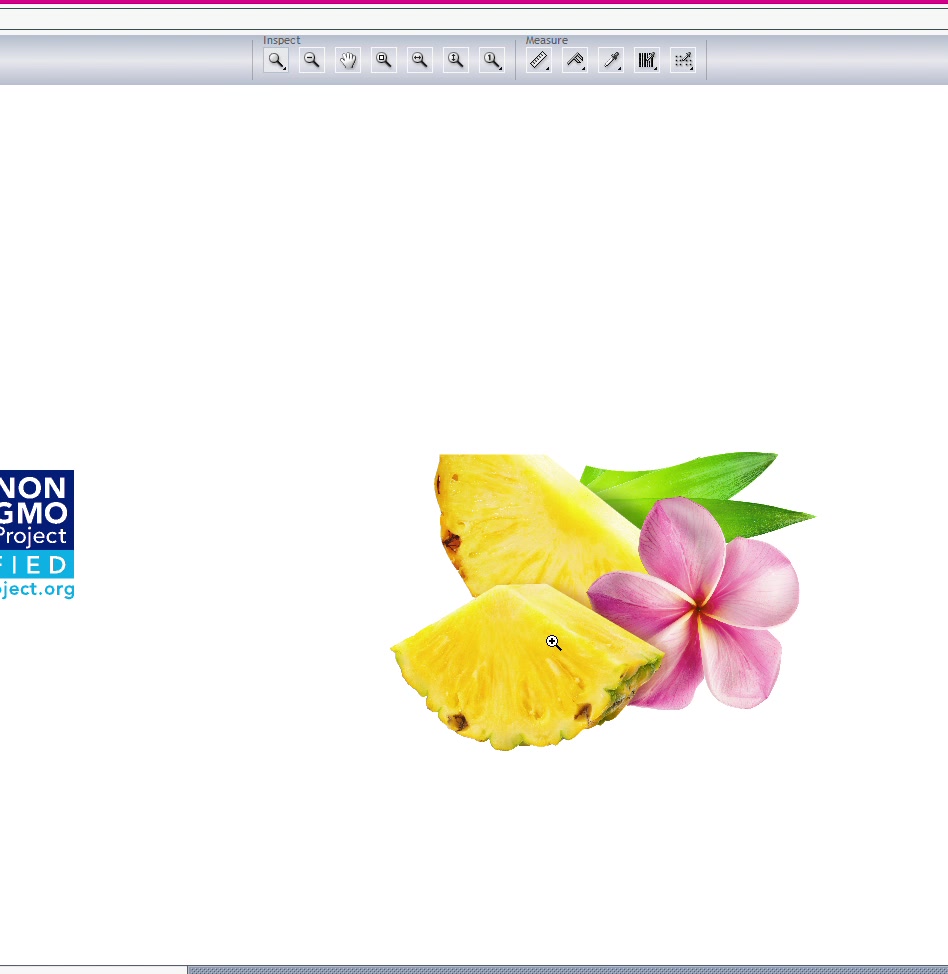
Step 2.3: Confirm Magenta, Yellow, and Black are present and correct
Step 3.1: Open customer's original supplied artwork
Step 3.2: Use compare/overlay tool to check differences
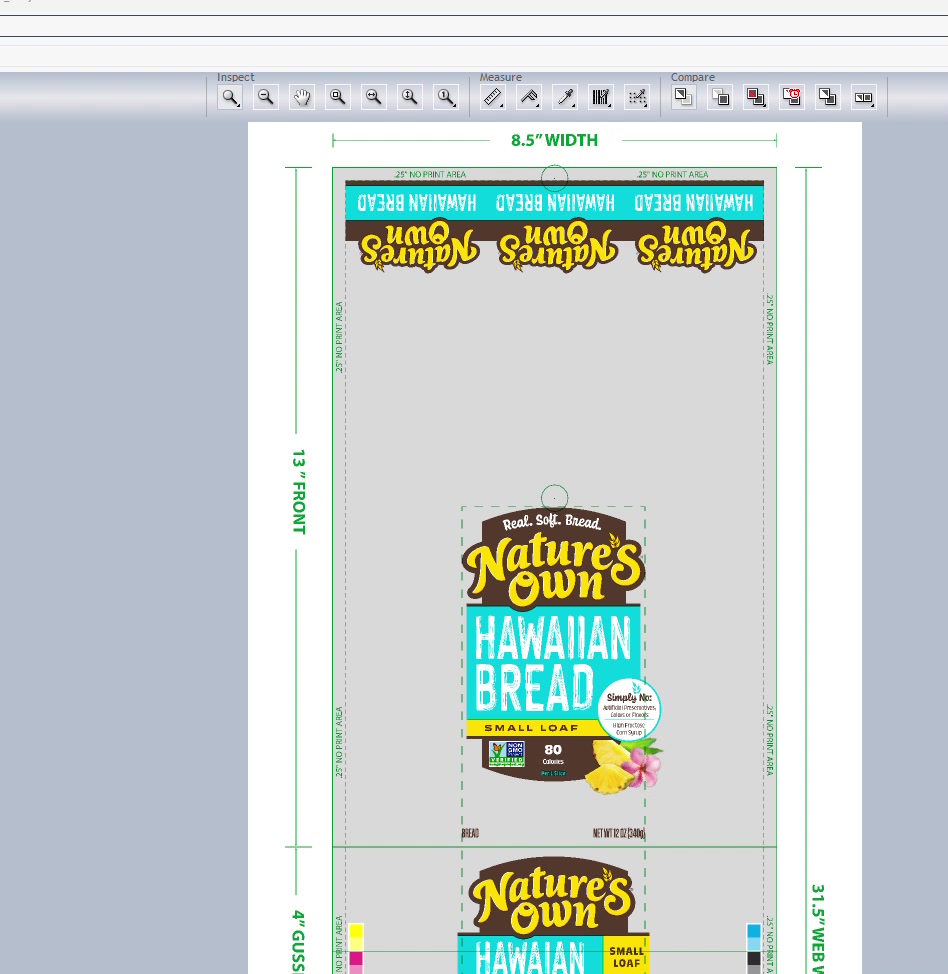
Step 3.3: Verify only approved changes exist:
- Pre-press specs applied (expected difference)
- Customer-requested copy changes
- Barcode replacements
Step 3.4: Document any unexpected differences
Step 4.1: Locate UPC number on spec sheet
Step 4.2: Zoom in on barcode in artwork
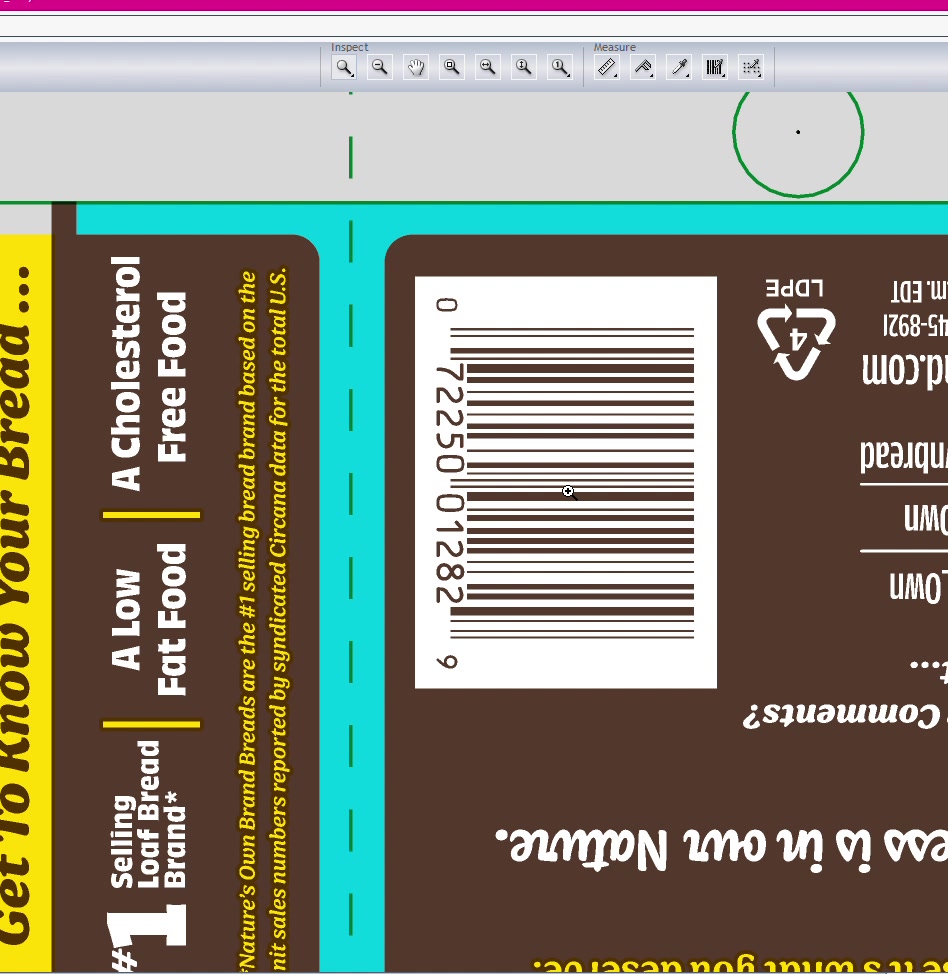
Step 4.3: Verify number matches exactly
- Compare digit by digit
- Flag any discrepancies immediately
Step 4.4: Check bar width reduction
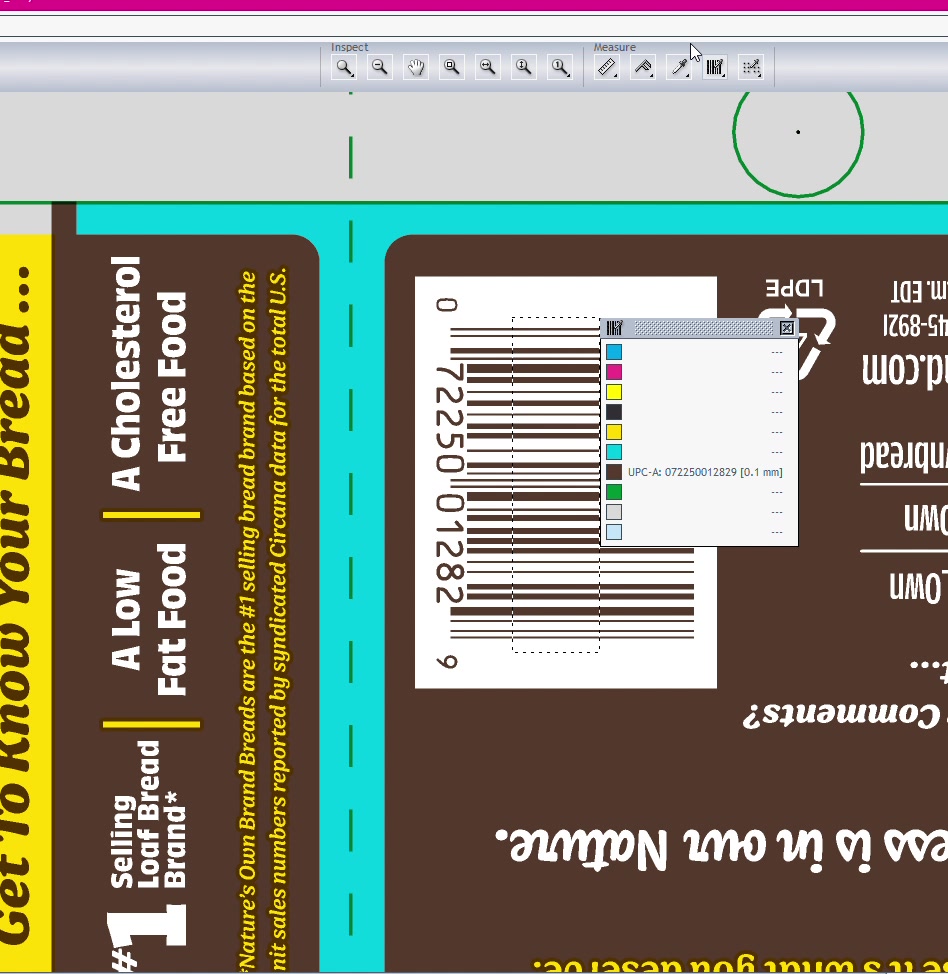
Step 4.5: Verify magnification is correct (e.g., 100%)
Step 5.1: Open nutrition facts source spreadsheet
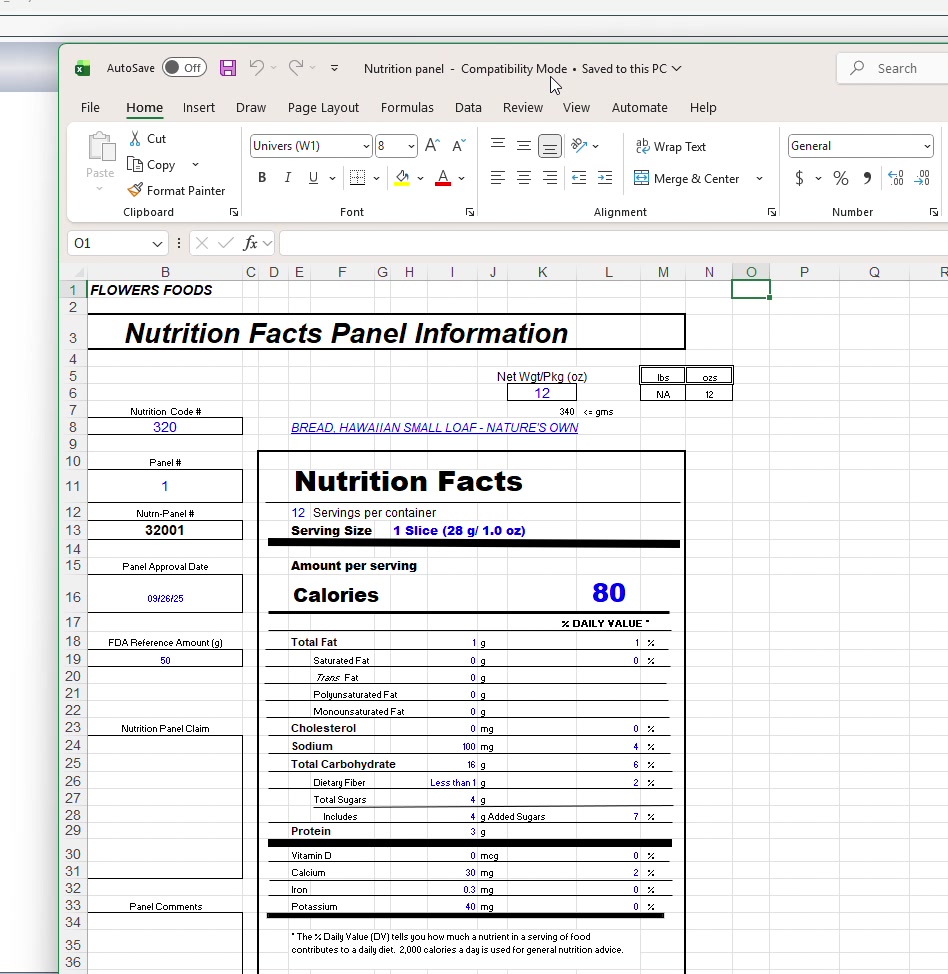
Step 5.2: Compare each value line by line:
| Field | Check |
|---|---|
| Servings per container | Number matches |
| Serving size | Weight and measurement |
| Calories | Value correct |
| Total Fat | Grams and % DV |
| Saturated Fat | Grams and % DV |
| Trans Fat | Value present/correct |
| Cholesterol | mg and % DV |
| Sodium | mg and % DV |
| Total Carbohydrates | Grams and % DV |
| Dietary Fiber | Grams and % DV |
| Total Sugars | Grams |
| Added Sugars | Grams and % DV |
| Protein | Grams |
| Vitamin D | mcg and % DV |
| Calcium | mg and % DV |
| Iron | mg and % DV |
| Potassium | mg and % DV |
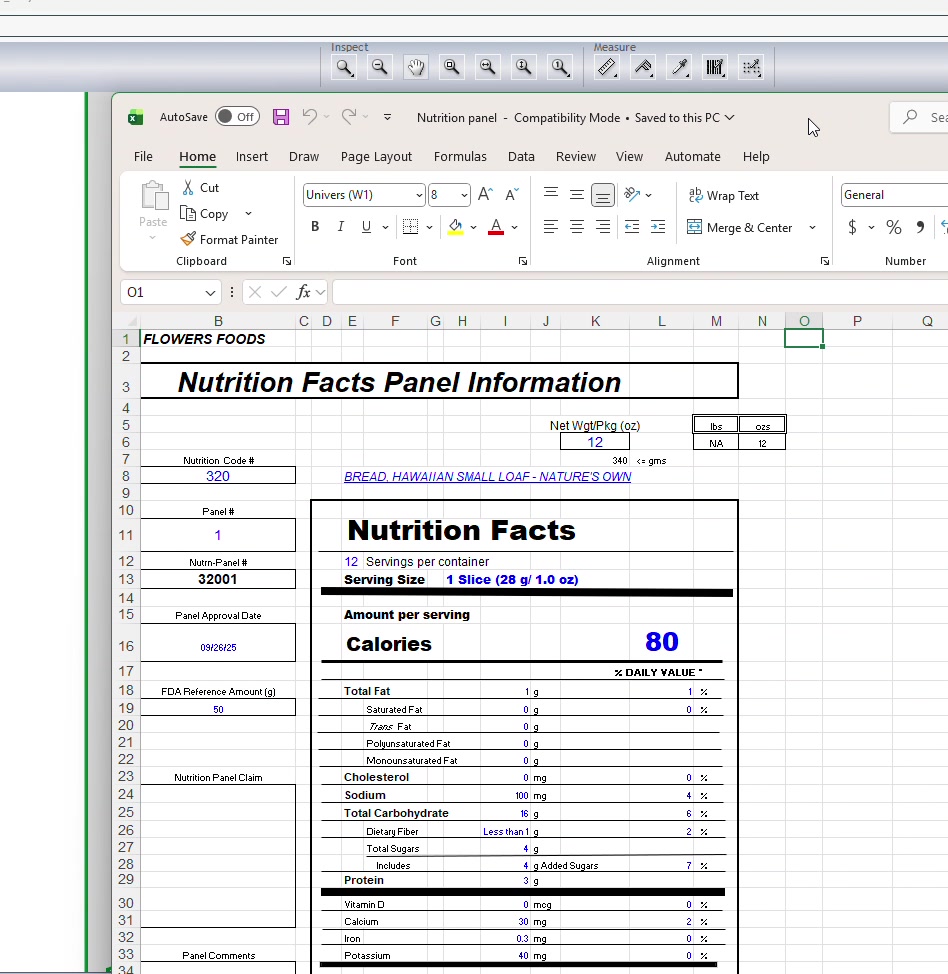
Step 5.3: Flag any discrepancies for correction
Step 6.1: Open ingredient copy source file
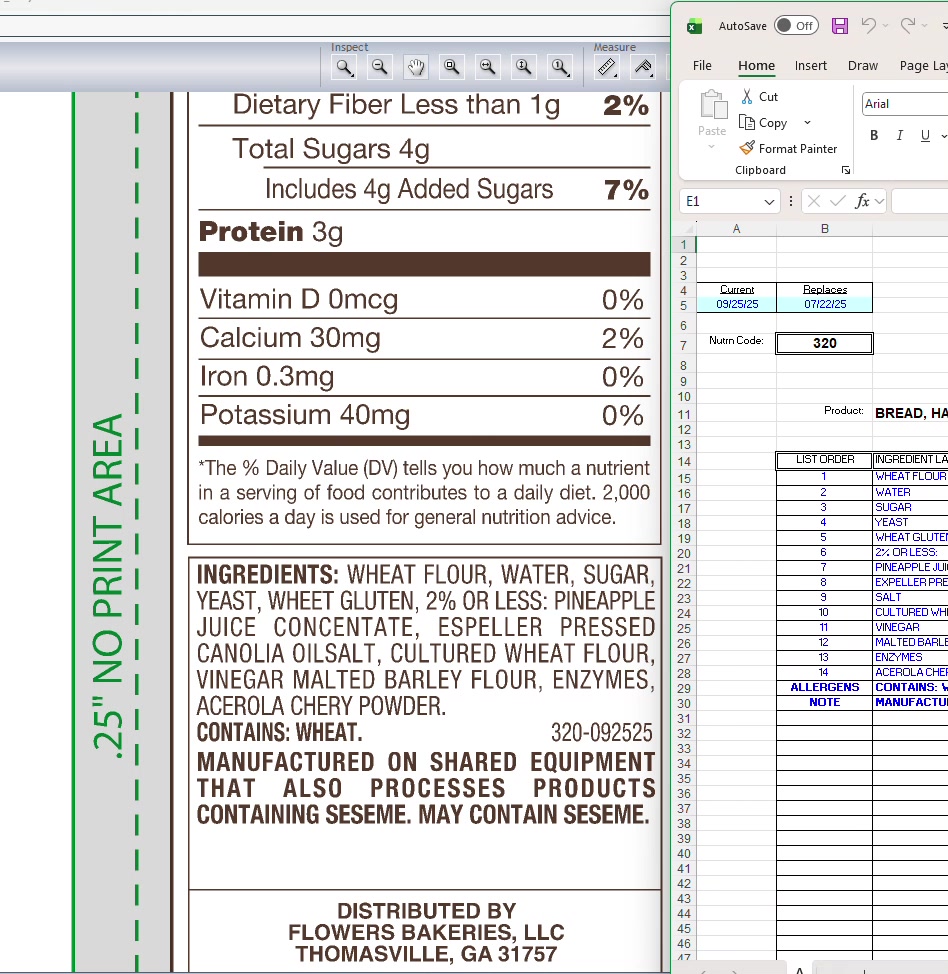
Step 6.2: Read through word-by-word comparing to artwork
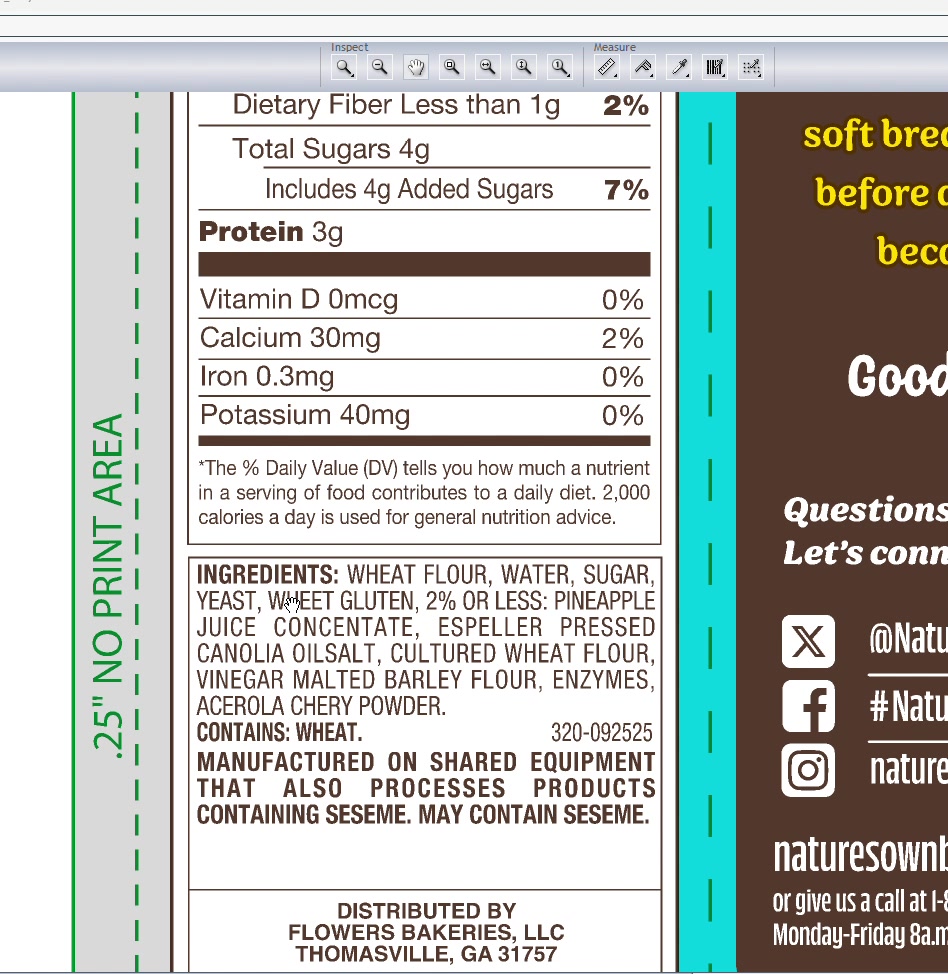
Check for:
- Correct spelling of all ingredients
- Proper punctuation (commas, spaces)
- Ingredients in correct order
- No extra spaces or gaps between words
Step 6.3: Verify allergen statements
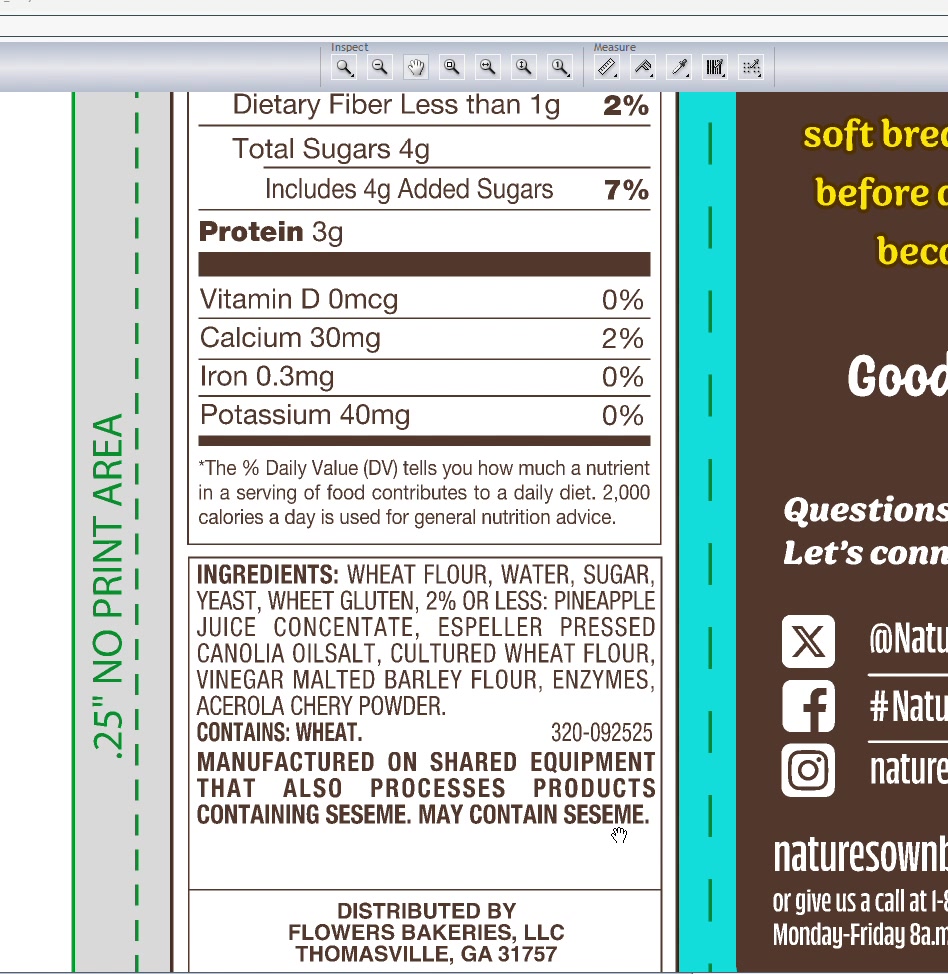
Step 6.4: Check text formatting
- No excessive gaps between words
- Consistent spacing throughout
Step 7.1: Scan entire artwork for visual issues
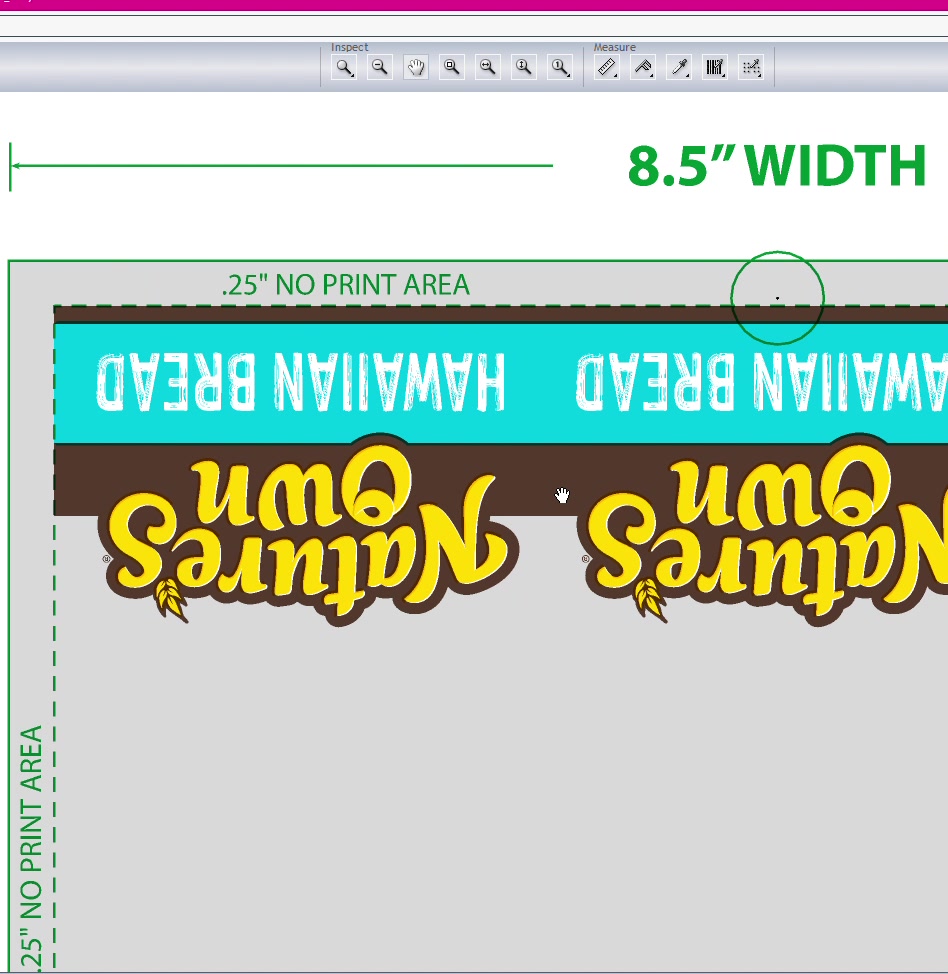
Check for:
- Registered trademark symbols (®) present where needed
- Spelling errors in marketing copy
- Missing elements
- Correct product name spelling
Step 7.2: Document any issues found
Step 8.1: Review trap specifications from printer spec card
- Standard trap width (e.g., 0.015")
- White cutback value
Step 8.2: Turn off die line layer
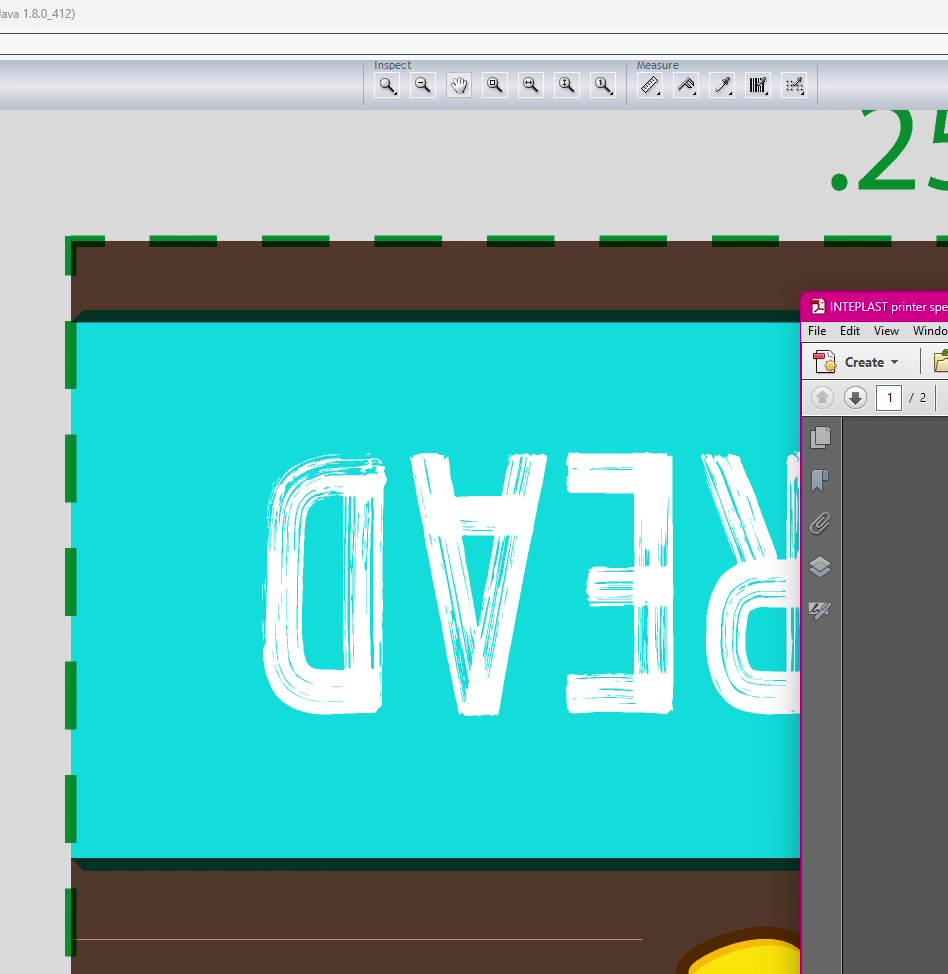
Step 8.3: Use measurement tool to verify trap widths
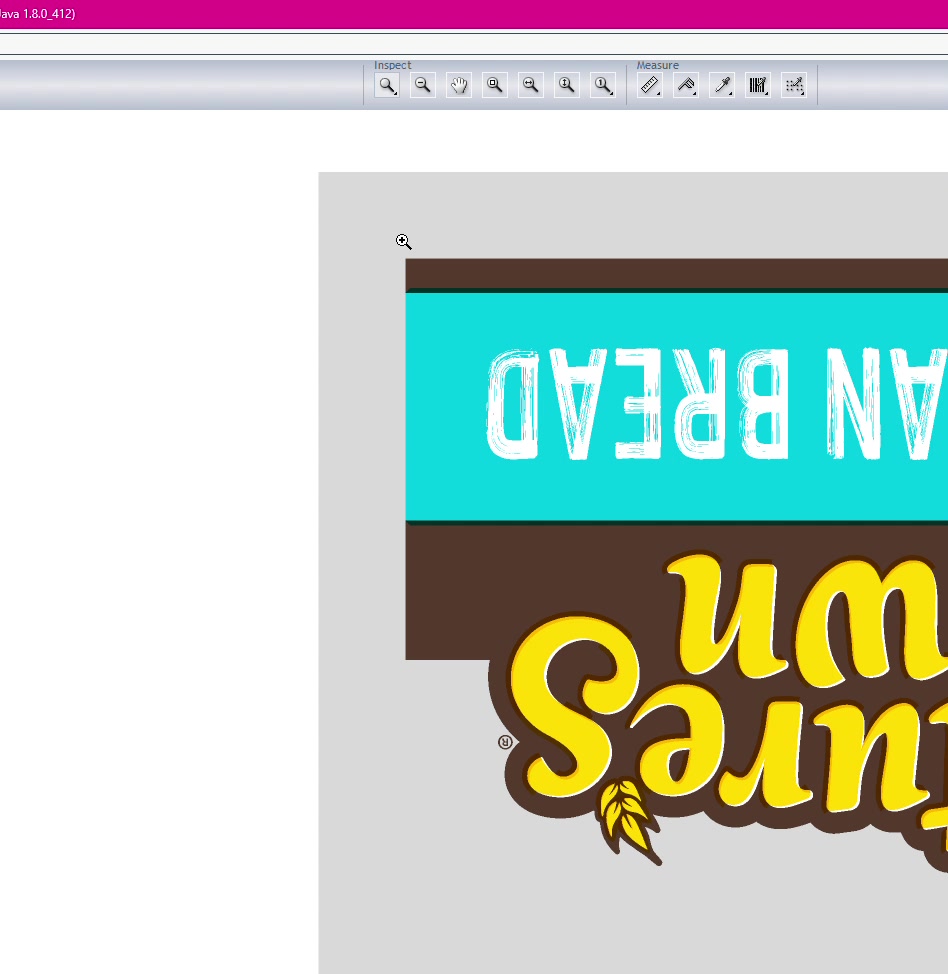
Step 8.4: Toggle color separations on/off to check for:
- Consistent trap widths
- No gaps or leaks between colors
- Proper cutbacks where needed
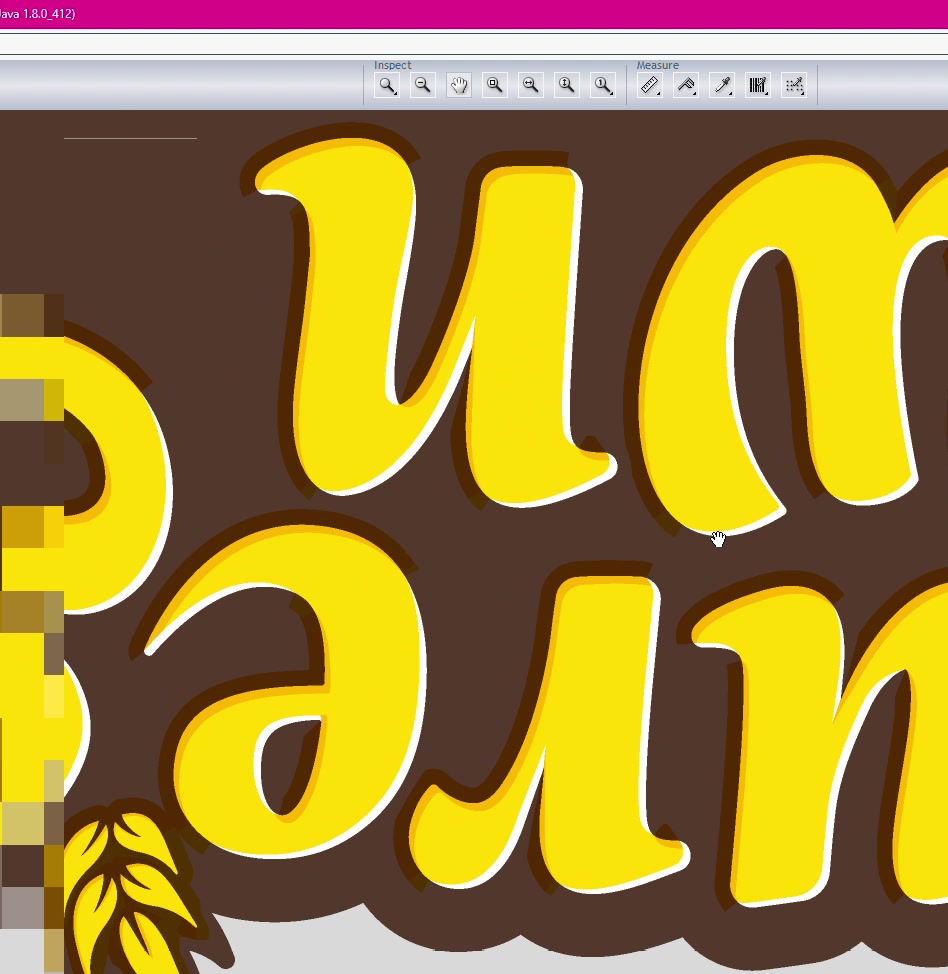
Step 8.5: Check areas where traps may need splitting
- Small areas may need half-width traps
- Colors butting against each other need overlap
Step 8.6: Identify any missing traps
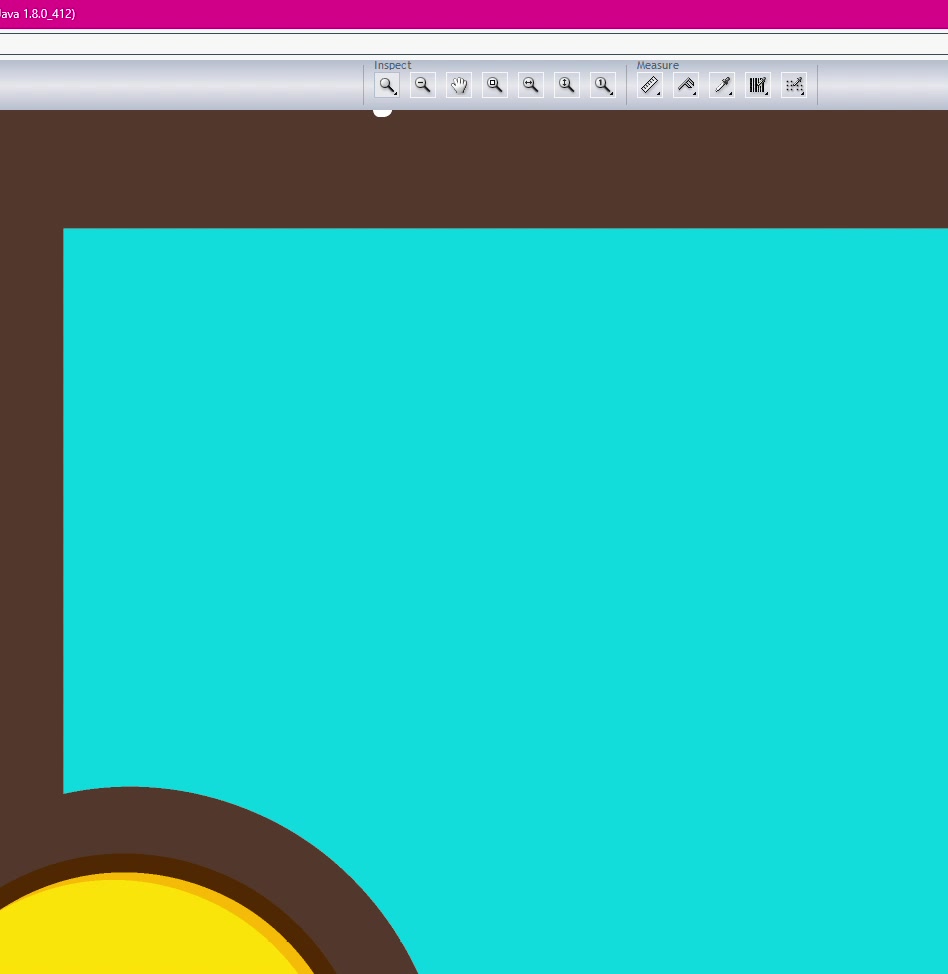
Document specific color combinations and locations.
Step 9.1: Reference die dimensions from spec sheet
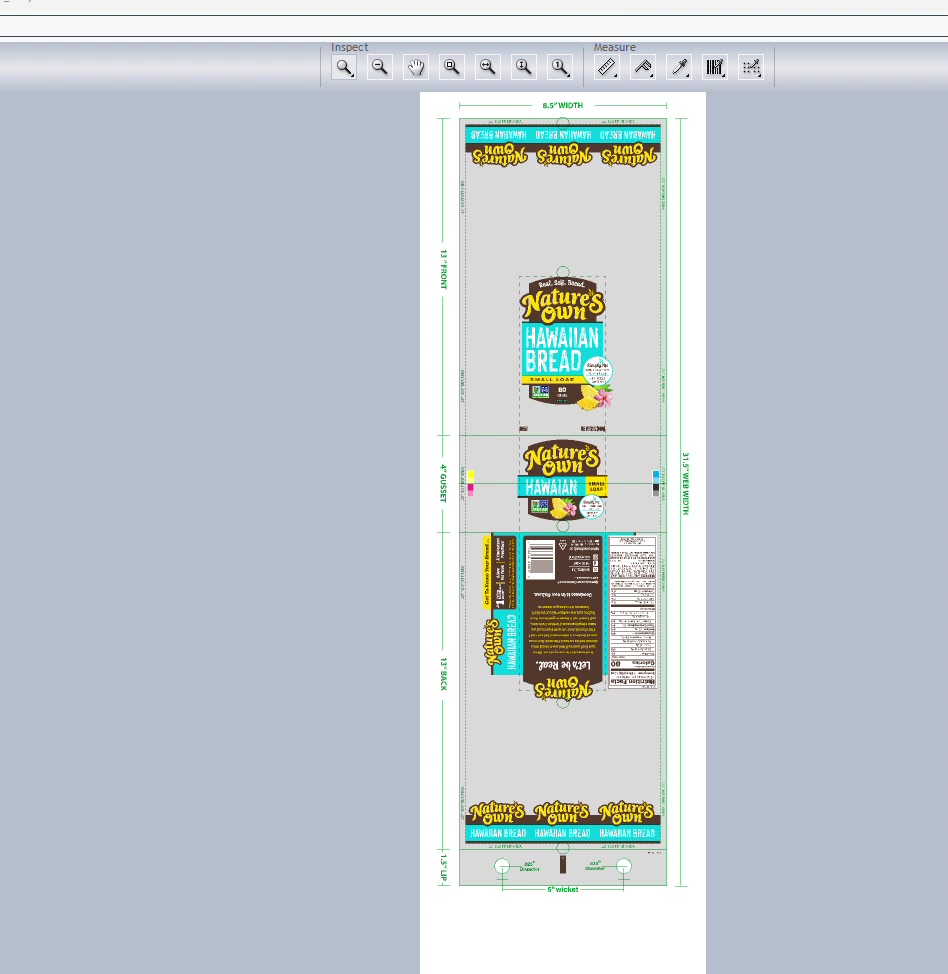
Step 9.2: Measure all critical dimensions:
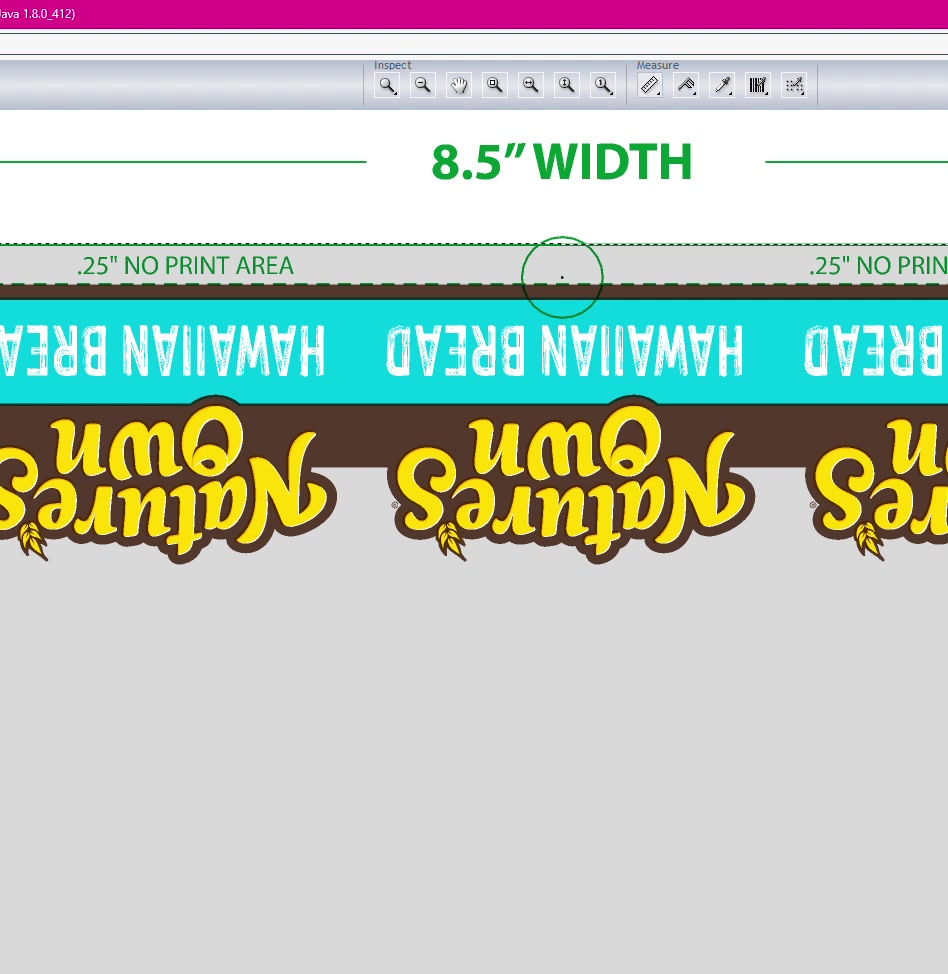
| Dimension | Expected | Actual | Pass/Fail |
|---|---|---|---|
| Width | |||
| Height | |||
| Gusset | |||
| Lip | |||
| Wicket hole placement |
Step 9.3: Verify no-print areas
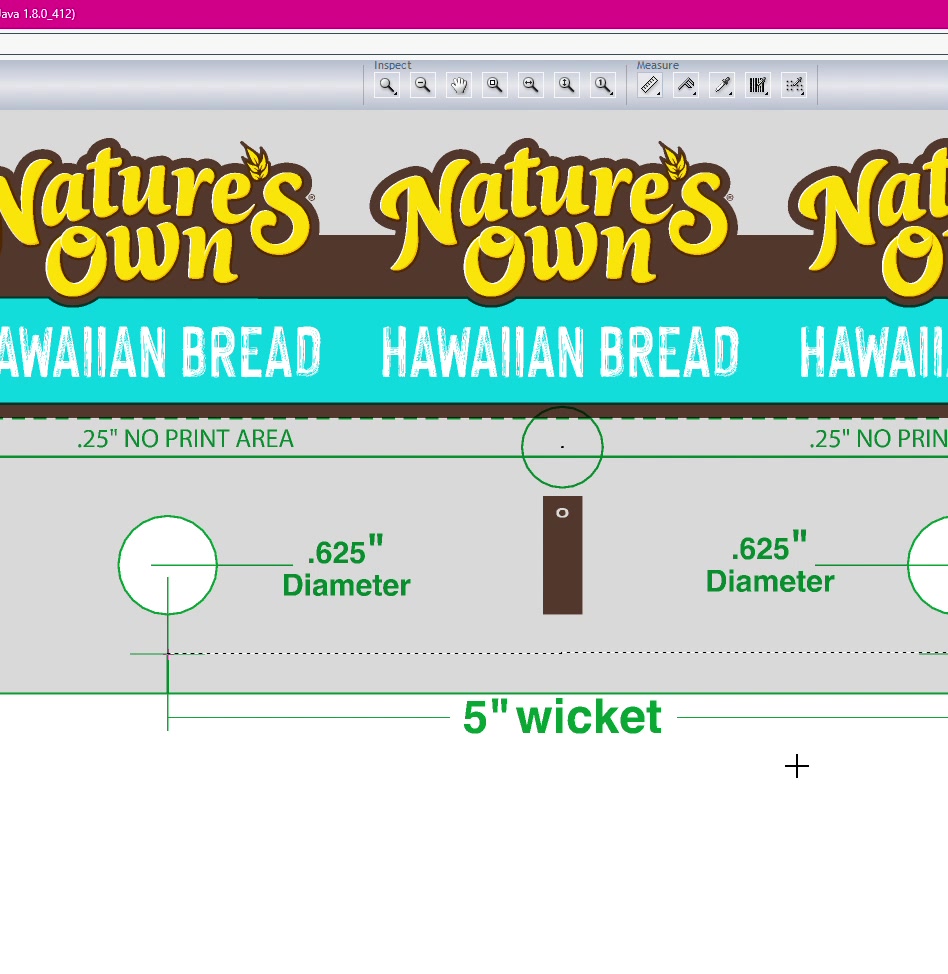
Step 10.1: Locate eye spot specification
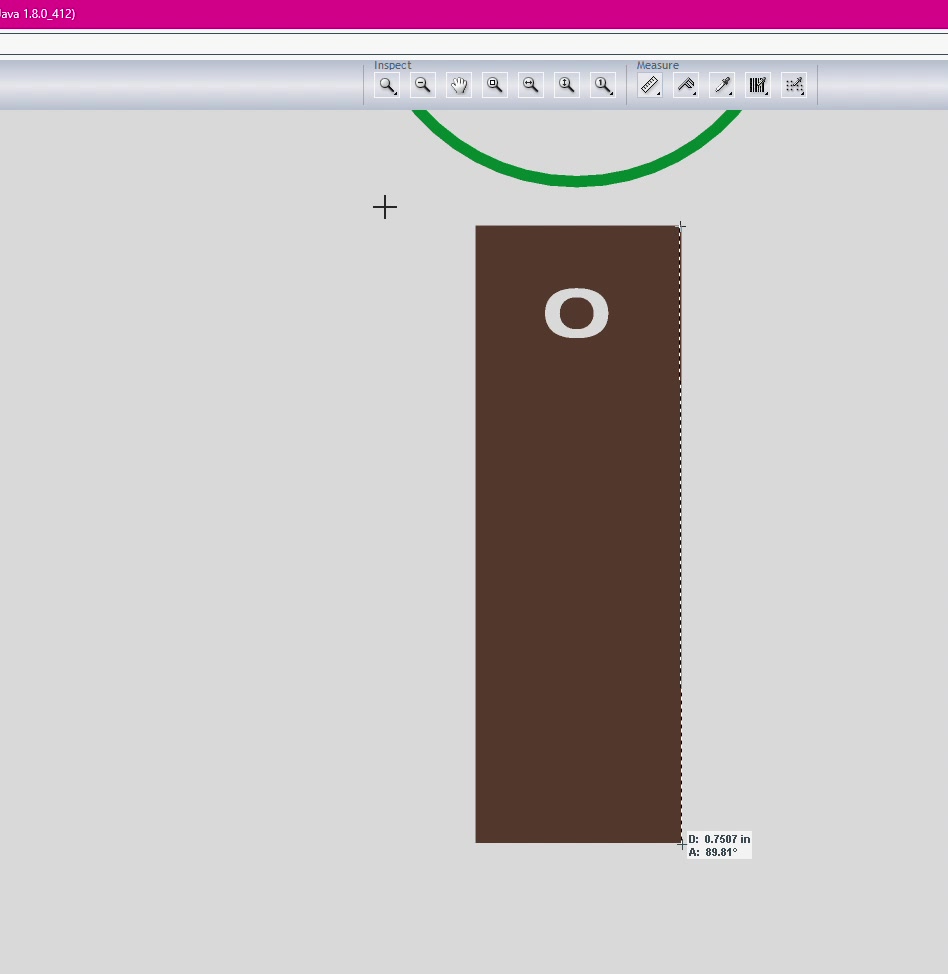
Step 10.2: Measure eye spot dimensions
- Width (e.g., 1")
- Height (e.g., 0.25")
Step 10.3: Verify placement
- Distance from lip edge
- Distance from bag bottom
- Centered on bag
Step 11.1: Locate micro dots on artwork
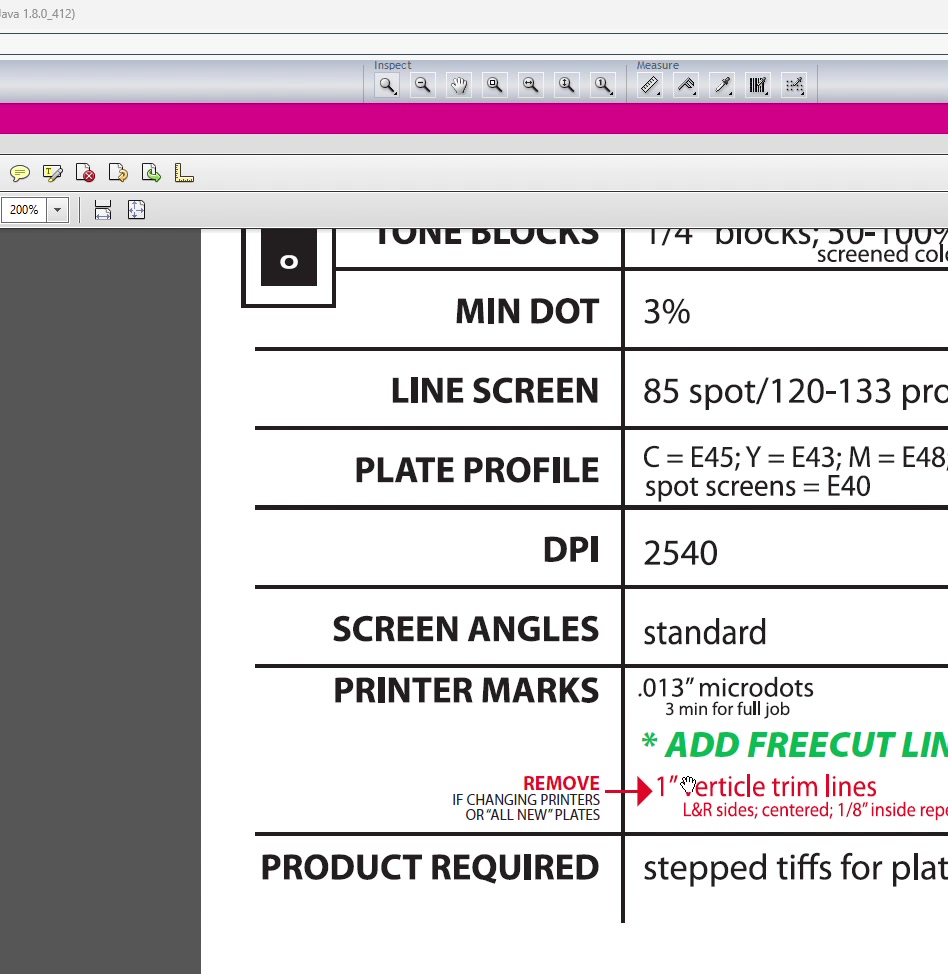
Step 11.2: Verify size matches spec (e.g., .013")
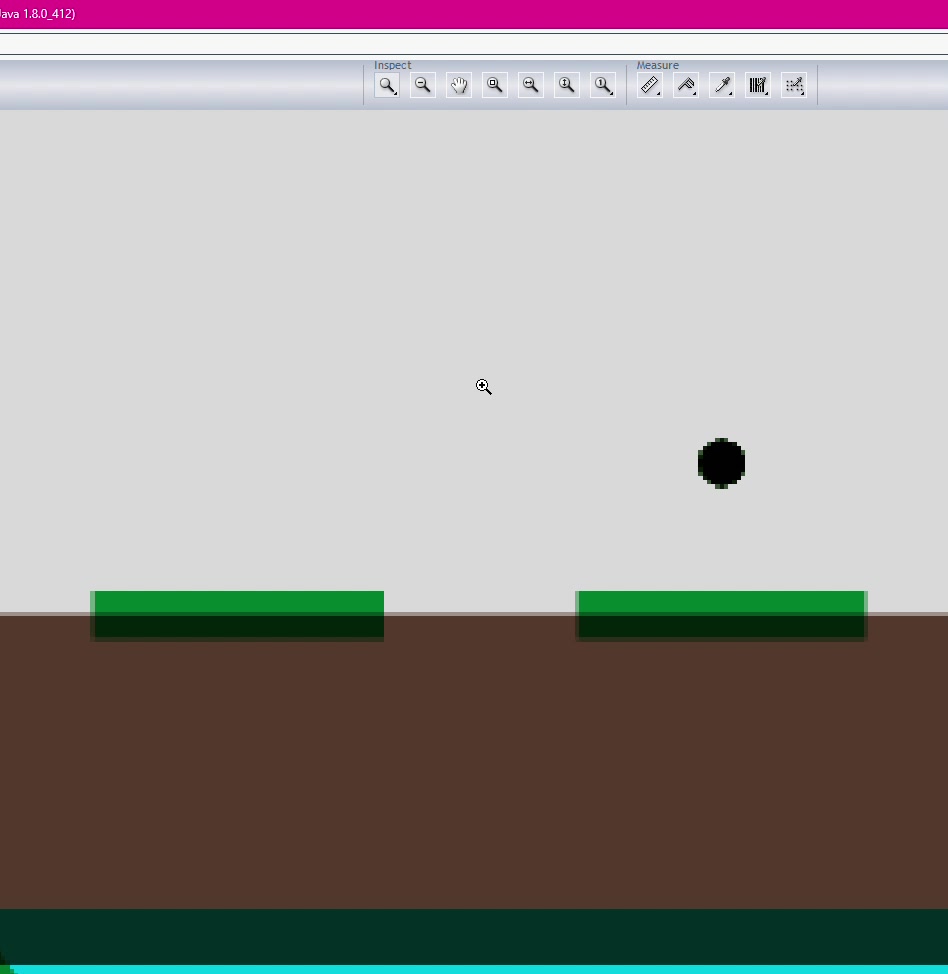
Step 11.3: Count micro dots (minimum 3 required)
Step 11.4: Scan for colors - verify all printing colors appear in micro dots
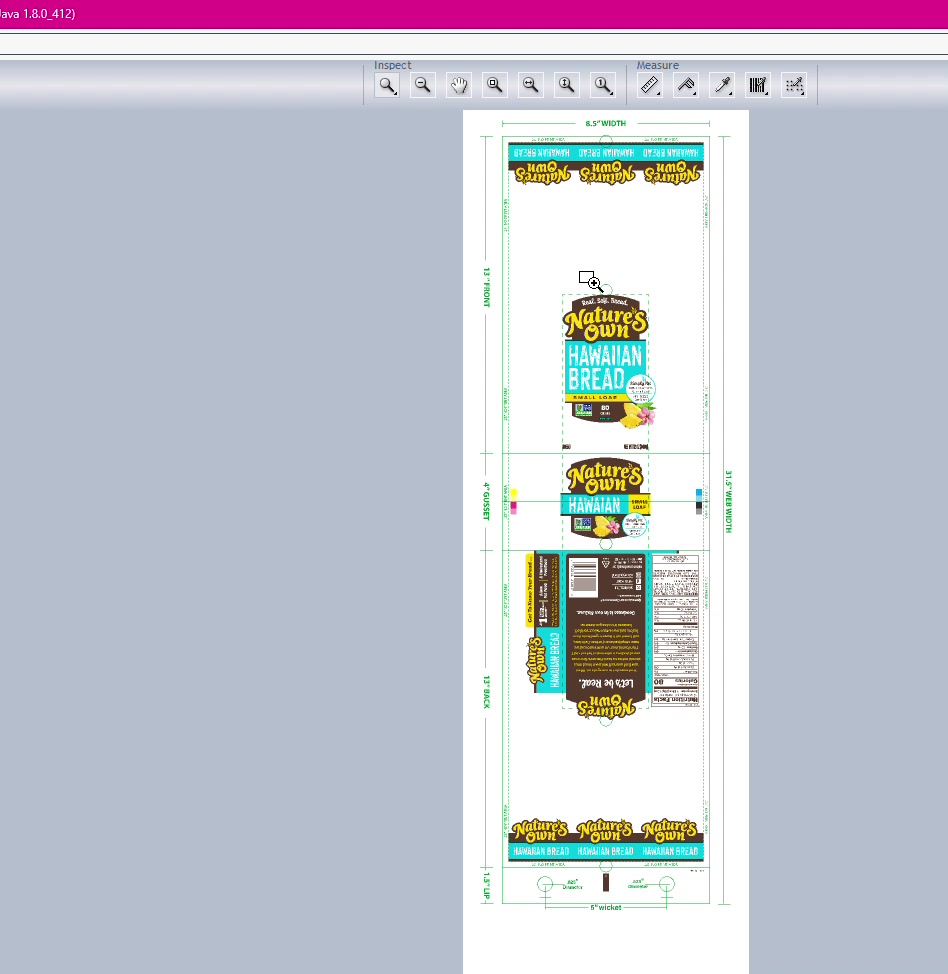
Step 12.1: Locate WEG info box at bottom of artwork
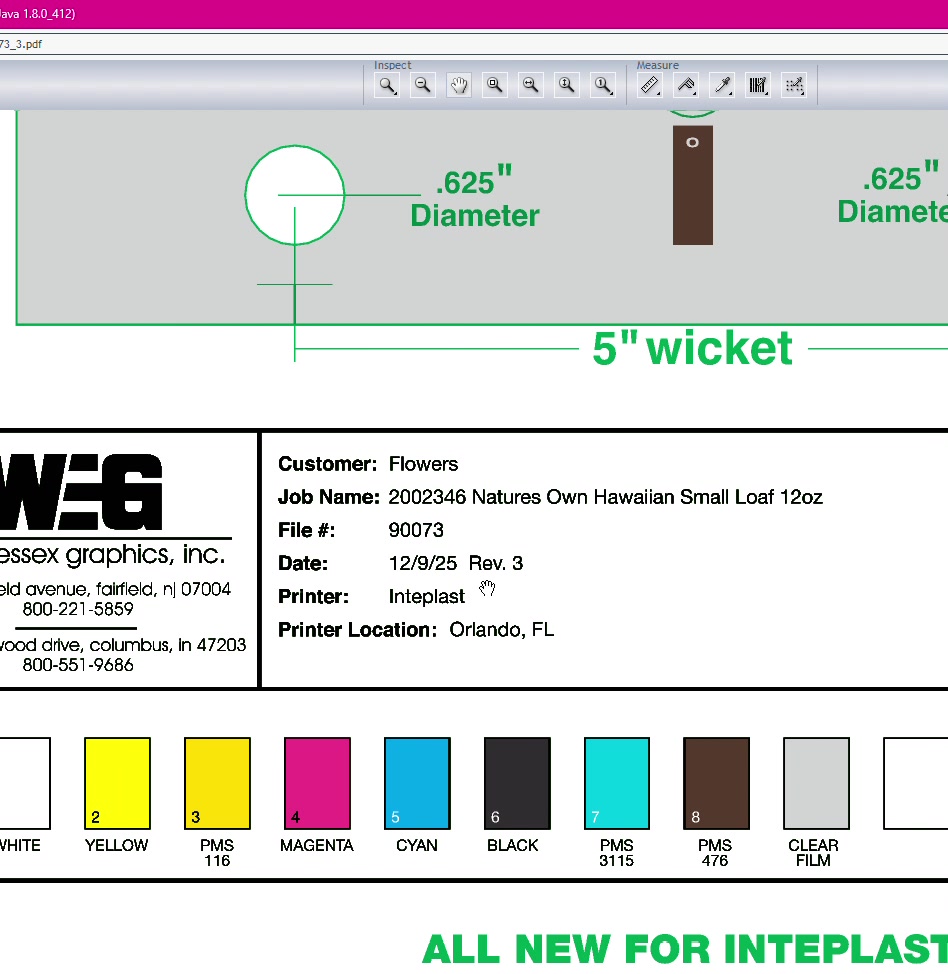
Step 12.2: Verify all fields:
| Field | Check |
|---|---|
| Customer name | Correct |
| Job name/number | Matches order |
| File number | WEG internal number |
| Date | Last revision date |
| Revision count | Accurate |
| Printer name | Correct facility |
| Die dimensions | Match actual die |
| Stepping/Distortion | (Verify at TIFF stage) |
| Barcode magnification | Matches spec |
| Bar width reduction | Matches spec |
| Barcode color | Correct PMS/process |
| Barcode number | Matches artwork |
| Color list | All colors present |
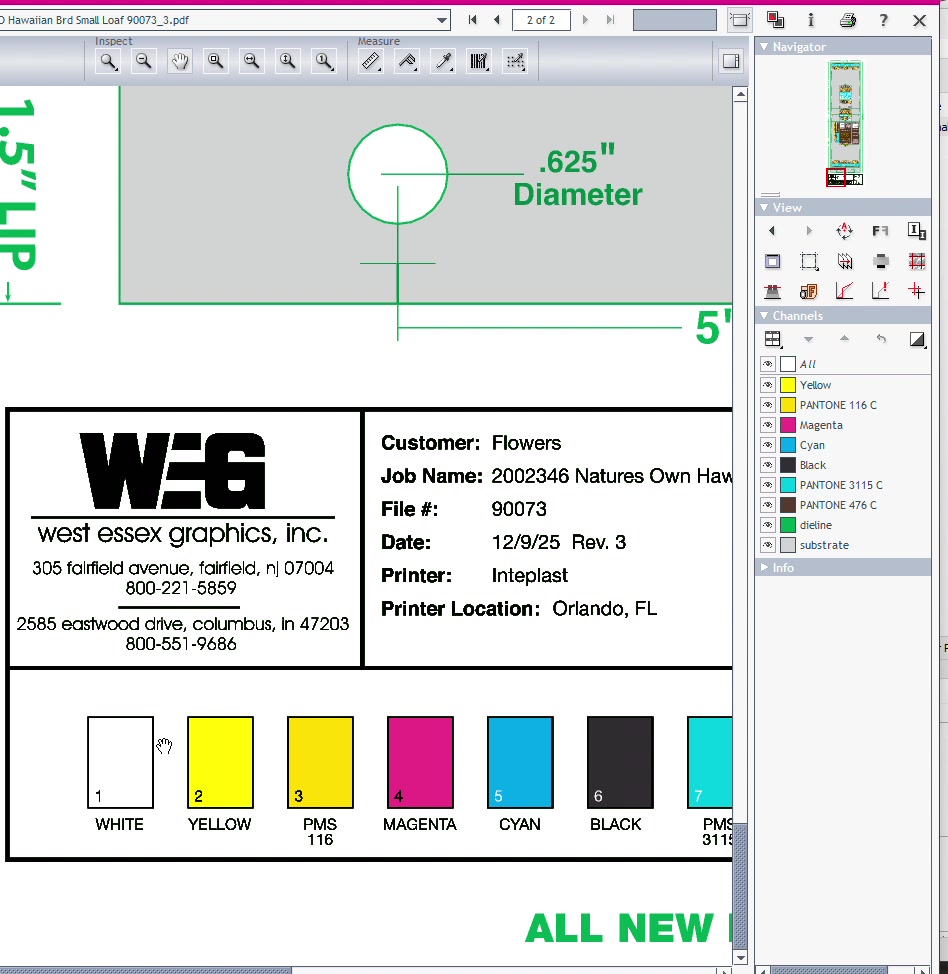
Step 13.1: Compile all corrections needed
Step 13.2: Enter corrections into Hybrid system
Step 13.3: Send back to artist for corrections
Step 13.4: Schedule second QC check when corrections returned
| Issue | Location | Details |
|---|---|---|
| UPC Number Incorrect | Barcode | Should be ending in 1302-4 |
| Sodium Value Wrong | Nutrition Facts | Shows 125mg, should be 100mg/4% |
| "Wheat" Misspelled | Ingredients | In "wheat gluten" |
| Missing Comma | Ingredients | Between "oil" and "salt" |
| "Cherry" Misspelled | Ingredients | Missing "r" in "cherry powder" |
| "Sesame" Misspelled | Allergen Statement | Misspelled in both locations |
| Text Gaps | Ingredients | Excessive spacing between words |
| "Hawaiian" Misspelled | Front Panel | Missing an "i" |
| Missing Trap | Artwork | Between Teal 315 and Brown 476 |
| Eye Spot Size Wrong | Eye Spot | Shows 0.347", should be 1" |
| Eye Spot Position Wrong | Eye Spot | 0.5" from bottom, should be 0.25" |
| Role | Name | Date | Signature |
|---|---|---|---|
| QC Reviewer | |||
| Artist (Corrections) | |||
| QC Second Check | |||
| Customer Approval |
Document generated from video training: Screen Recording 2026-01-20